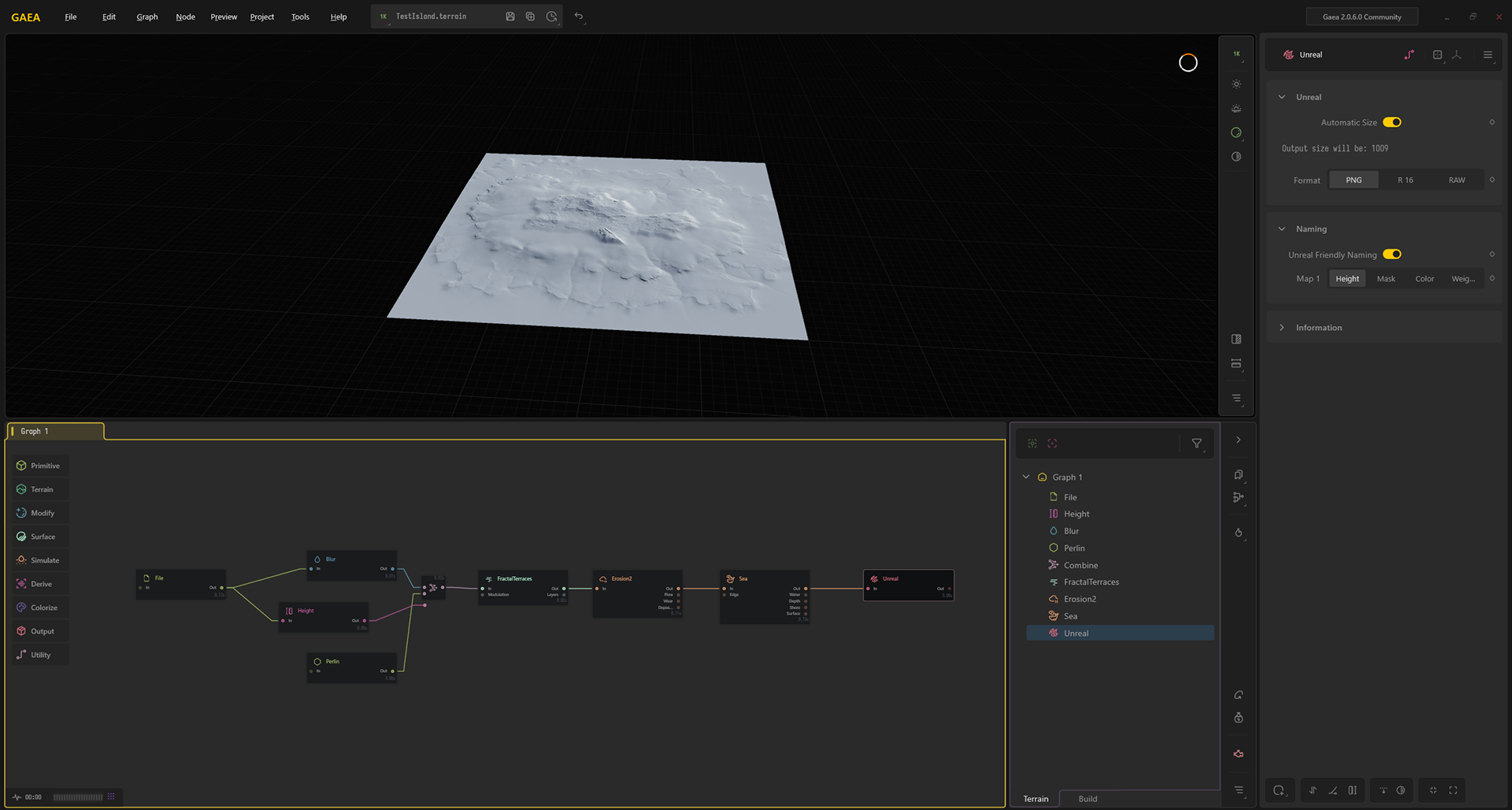
Original Gaea Blueprint Chart
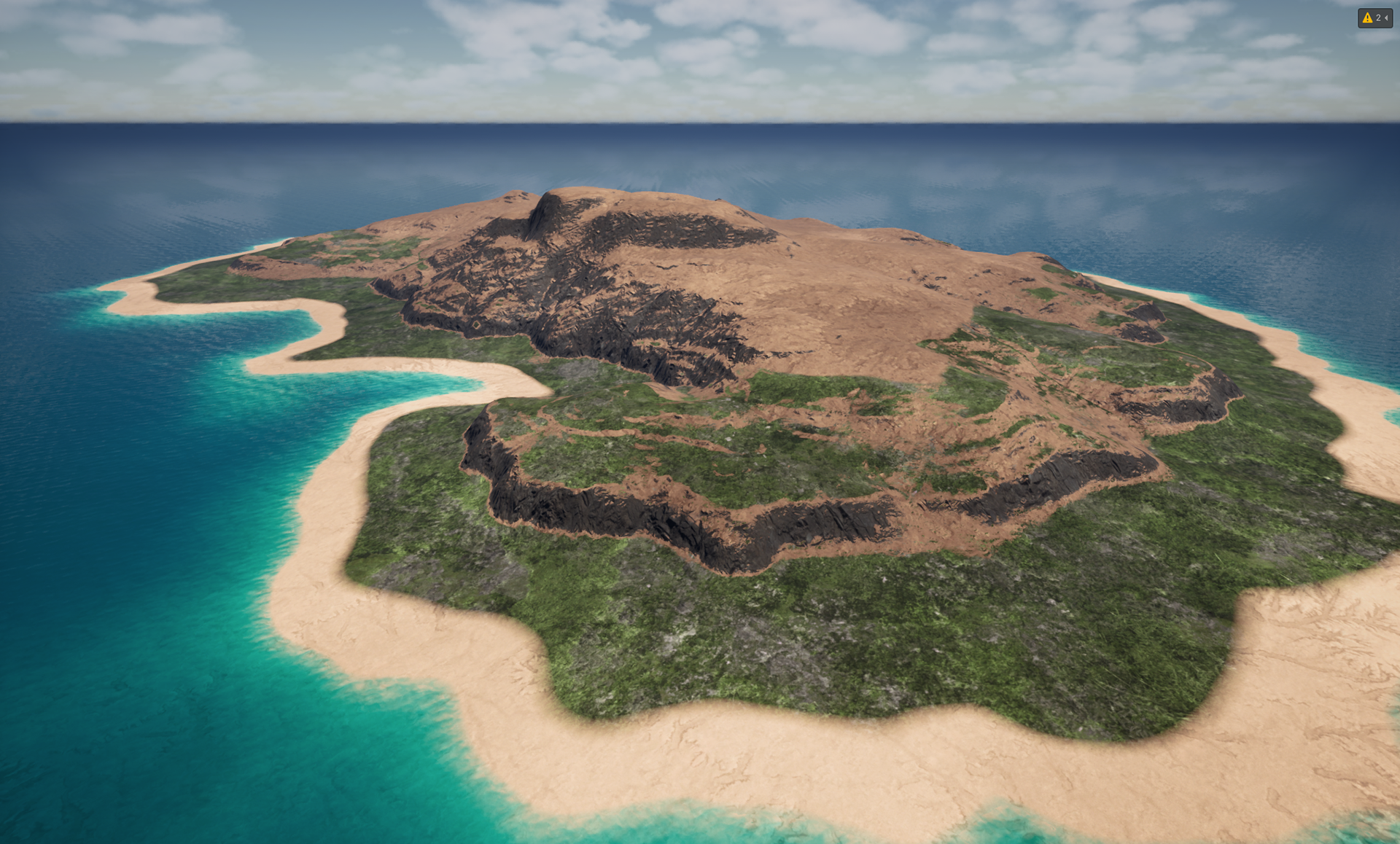
Implementing basic Auto Material
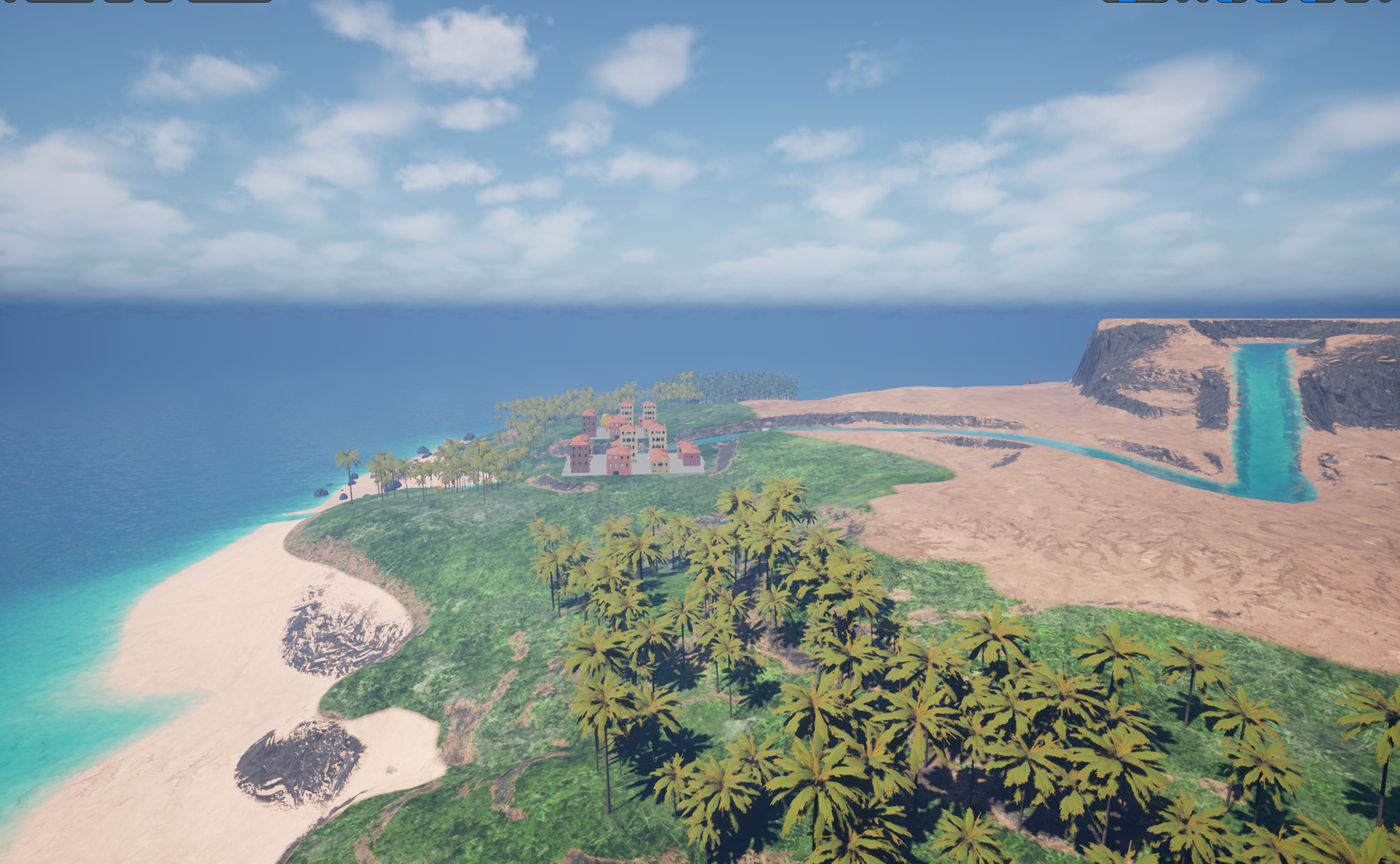
Basic Foliaging, Points of Interest, and Saturation Tweeks
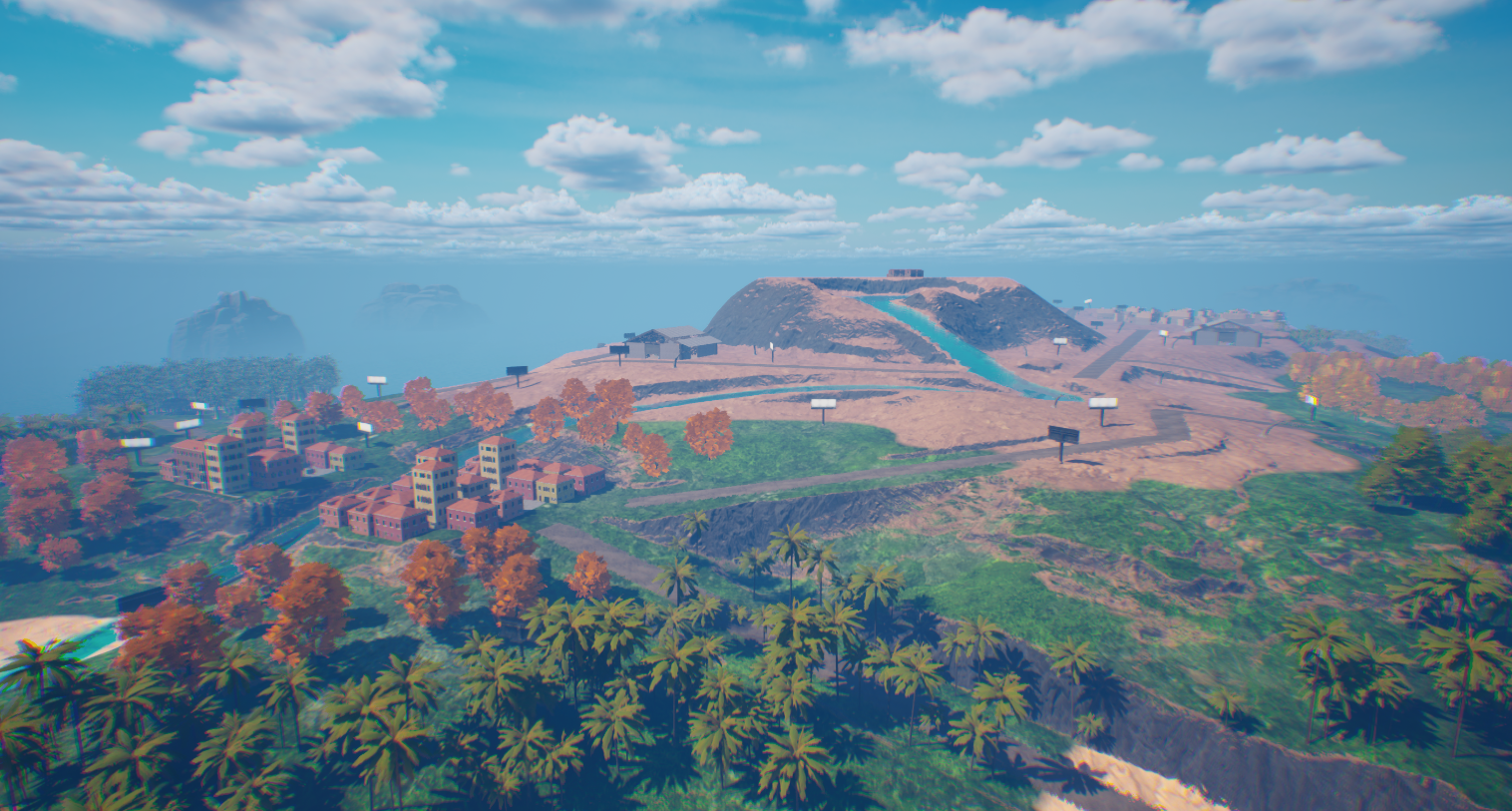
Extra detail in tree variation and erosion around the map
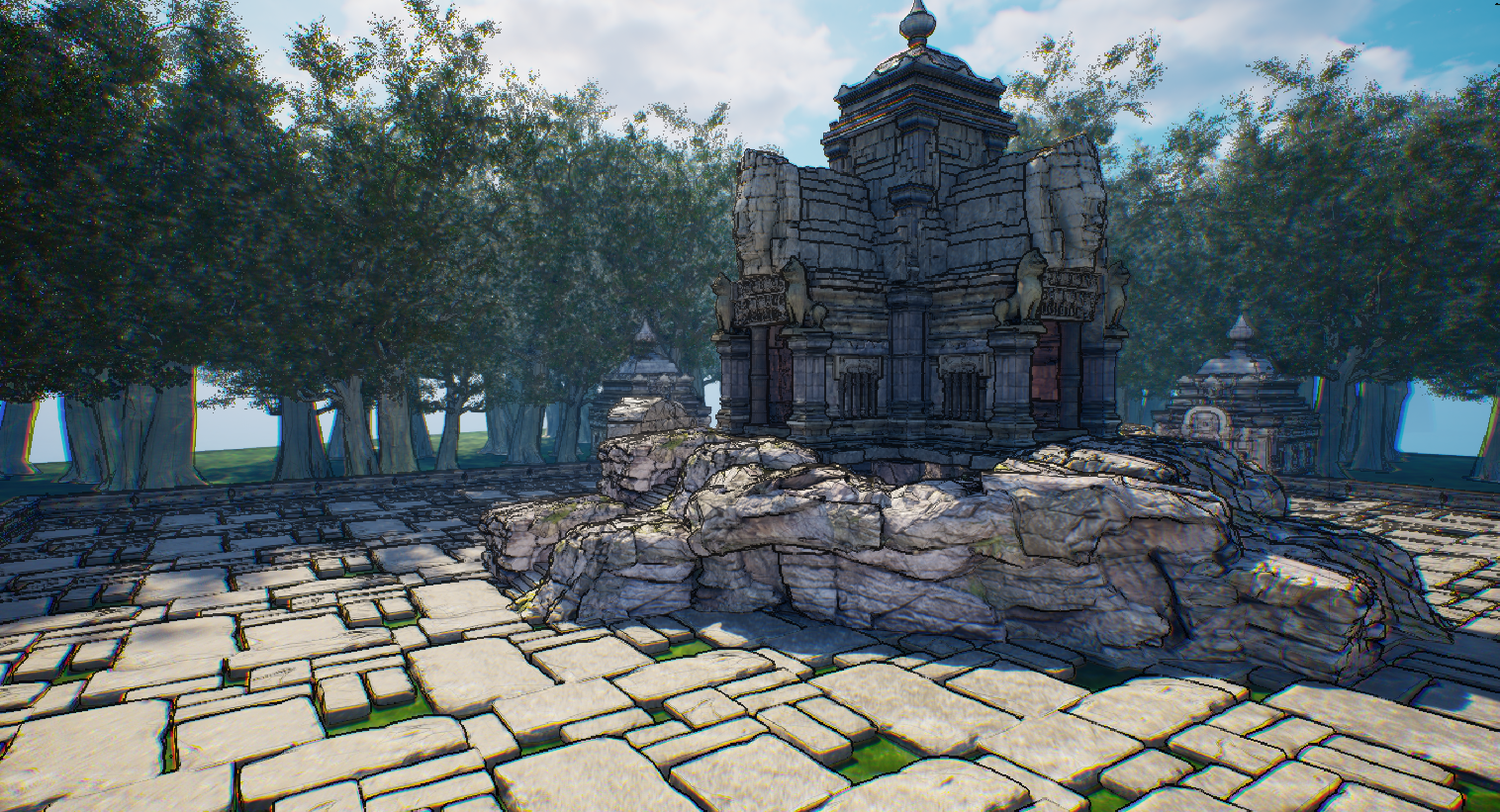
Outline Shader
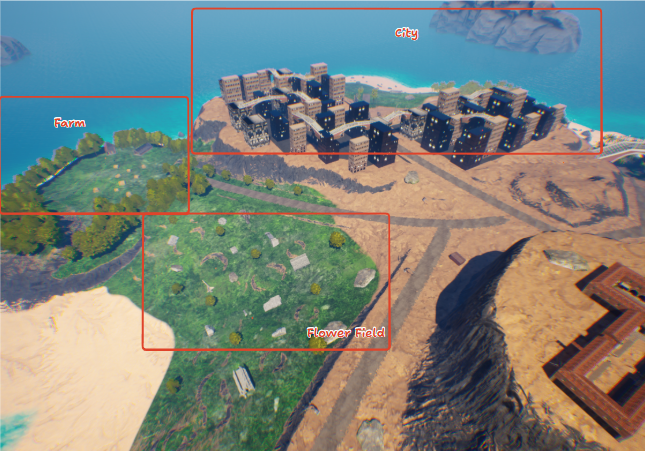
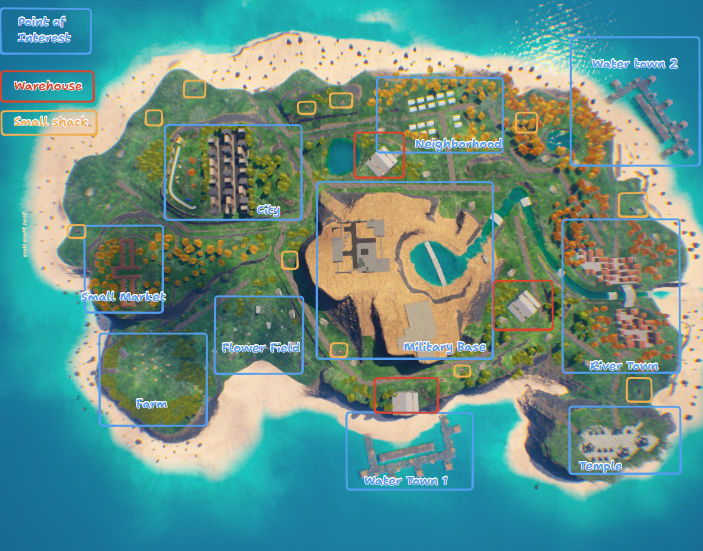
Added More Points of Interest on the other side of the map
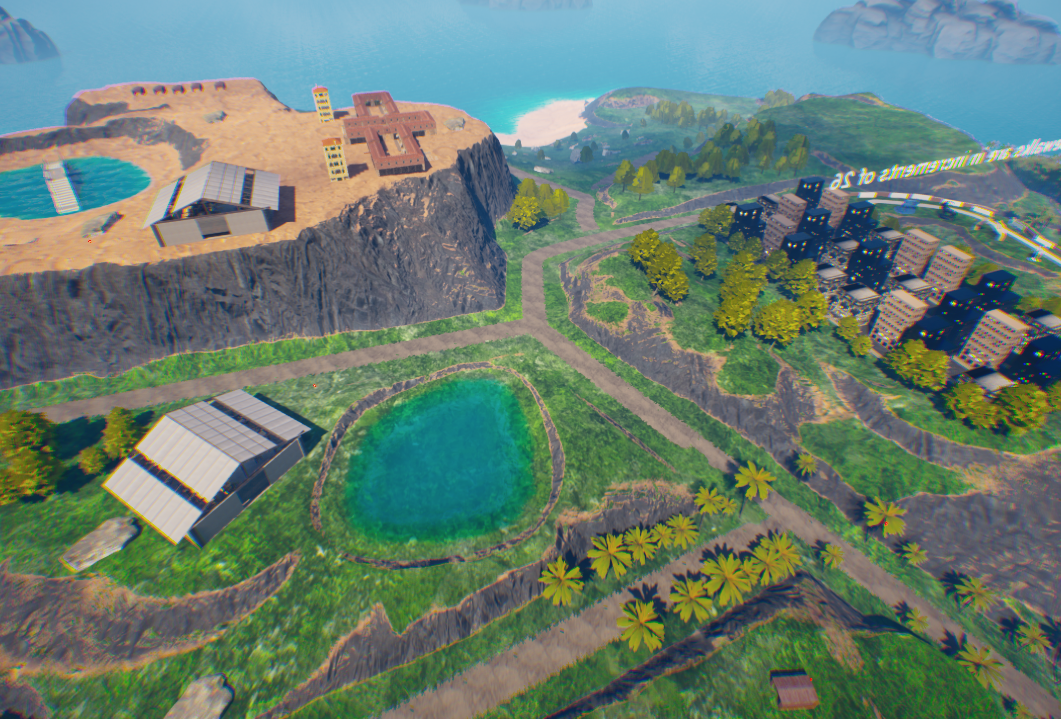
Changed Middle Part of Island to have more grass
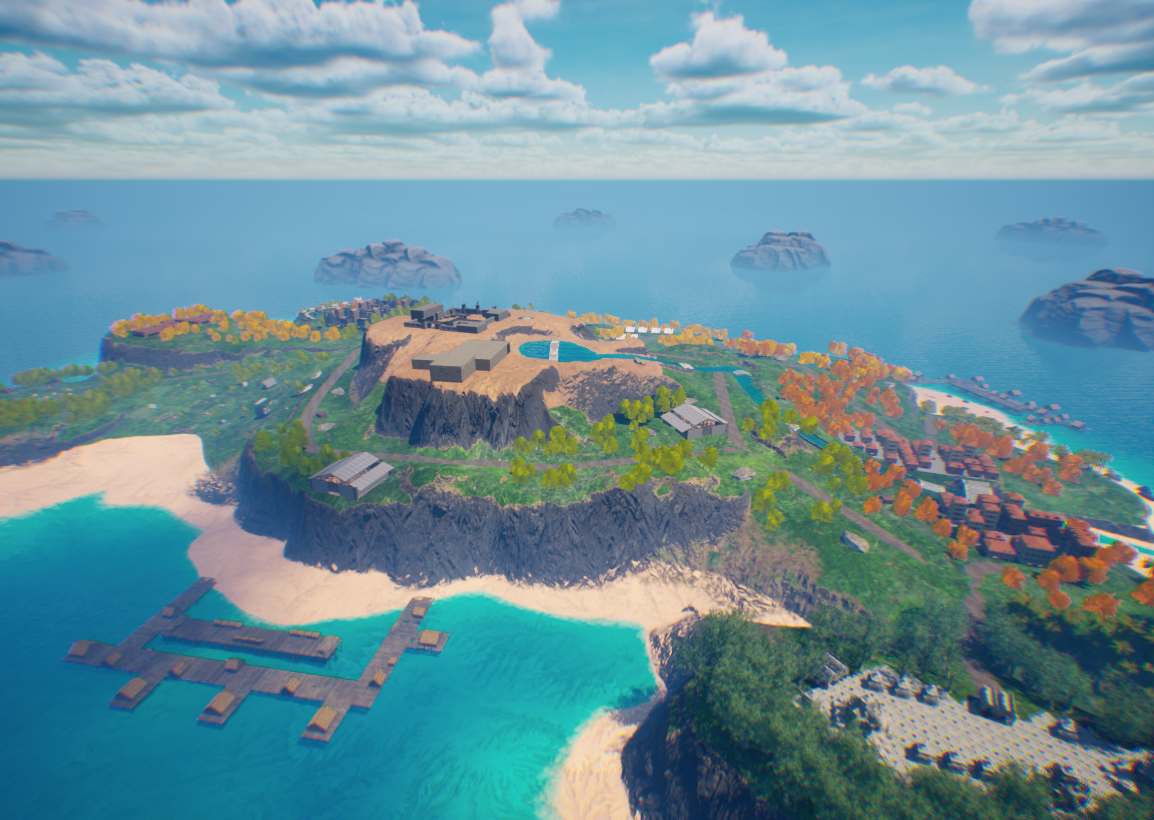
Final Product
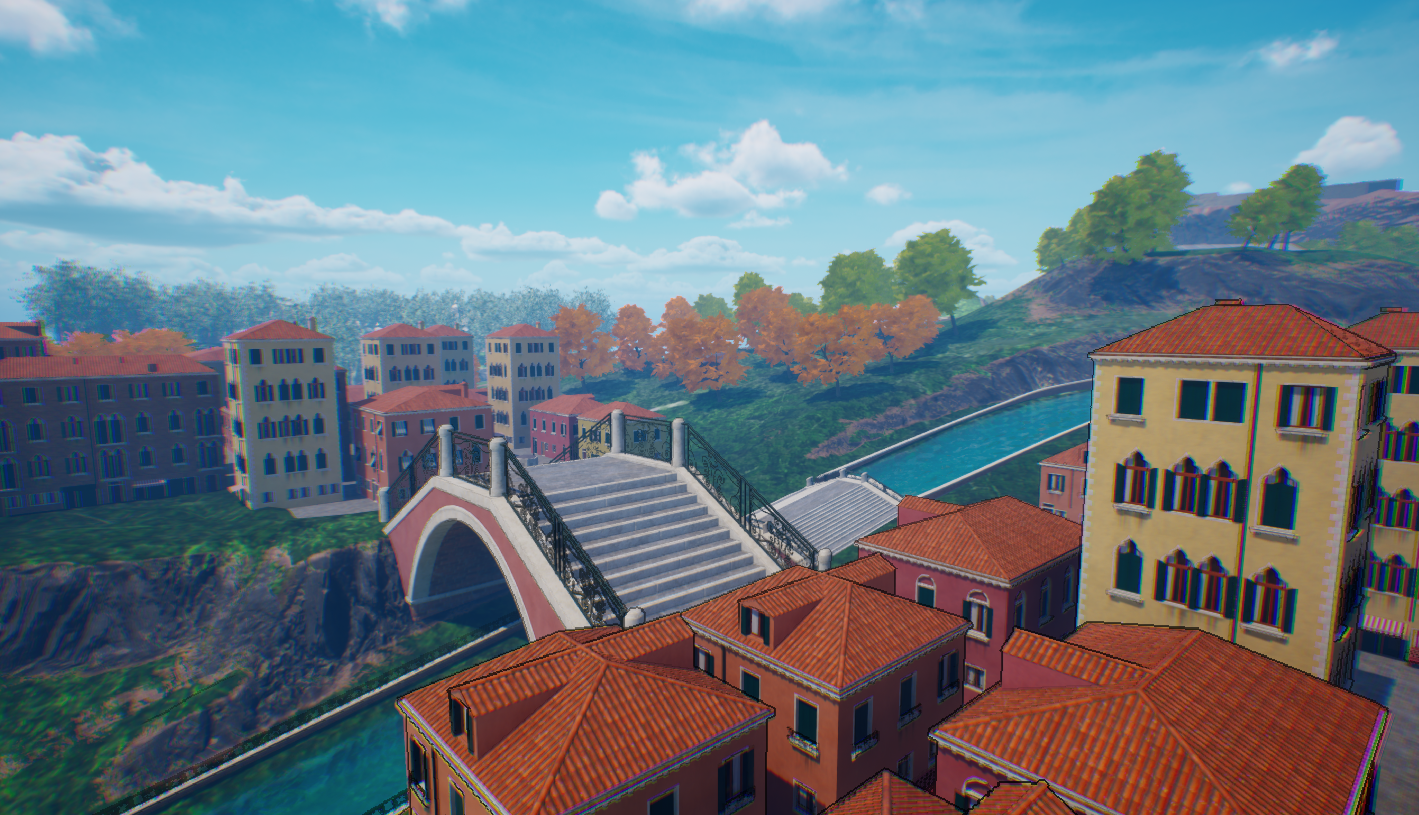
A small cramped city for close quarters combat
Cramped alleyways play with the game's Wall Jump System
The Entire Area is on a hill, This provides an interesting dynamic where players will always be fighting for high ground without any buildings to actually play off of it.
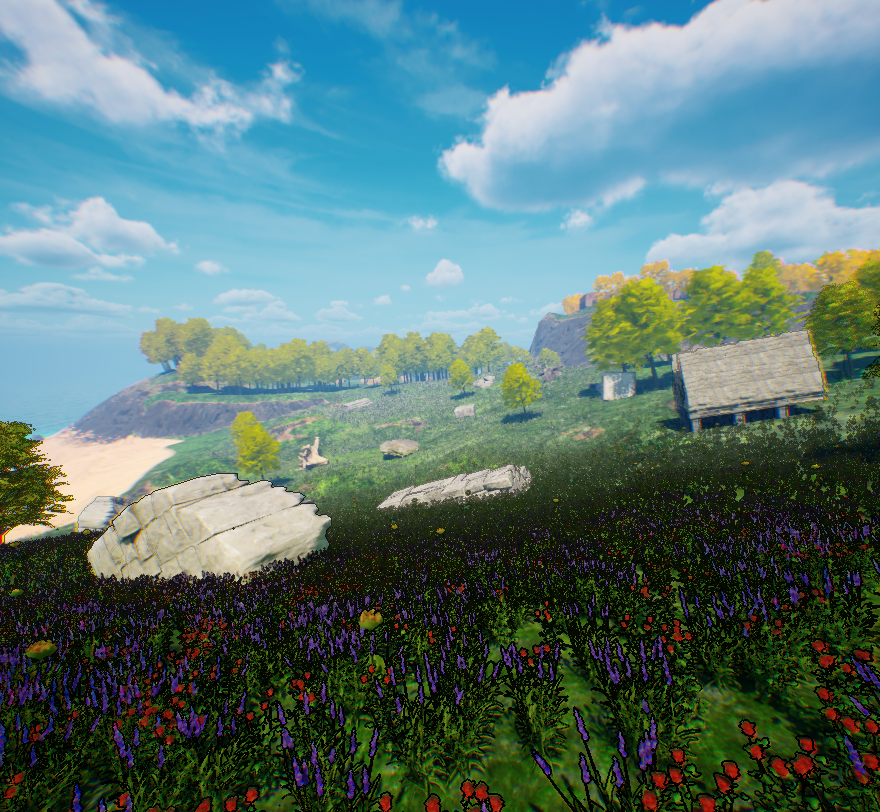
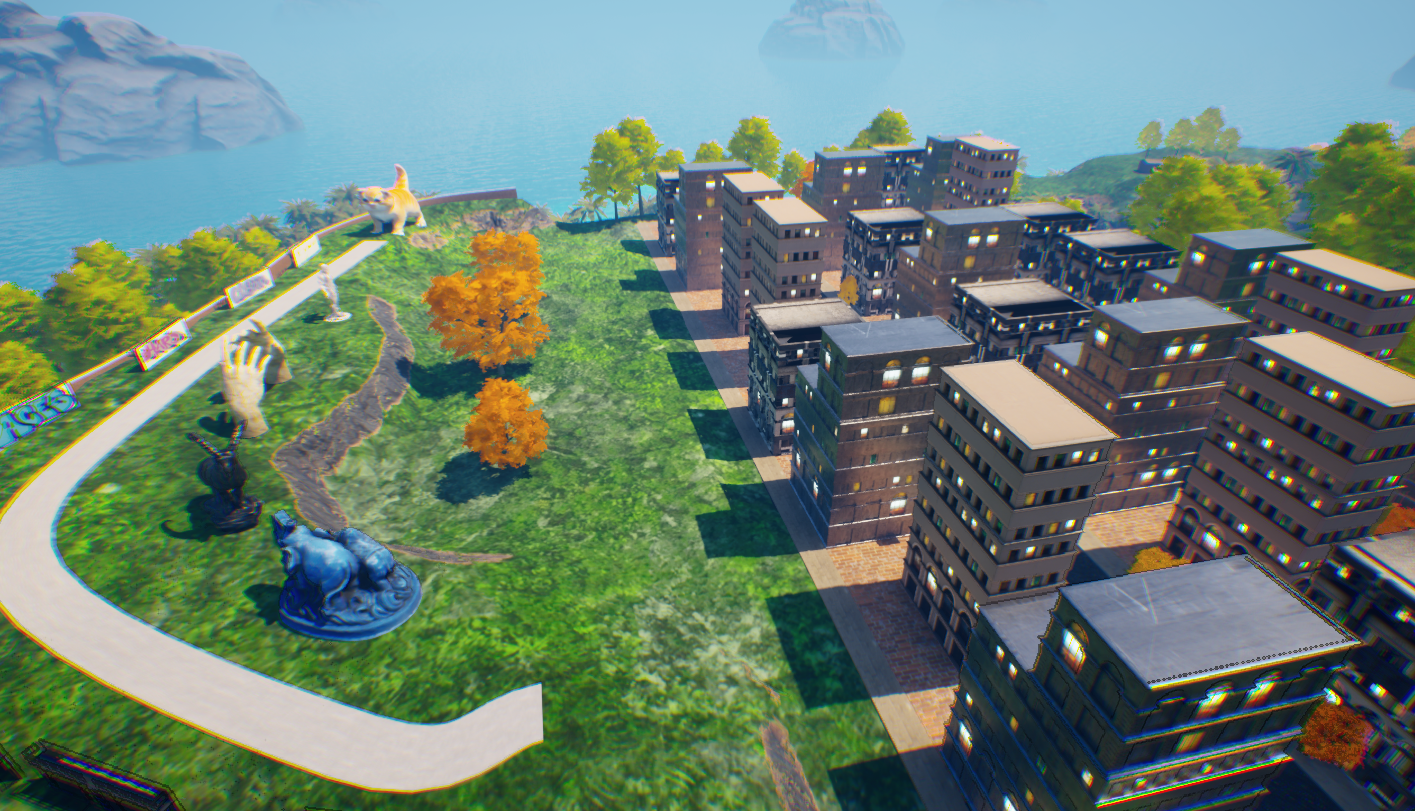
The City is the ultimate combination of sliding, wall jumping, and using your jetpack. Players can slide around in the art district and its hill based design or they can wall jump in building alleyways and jetpack over the street.
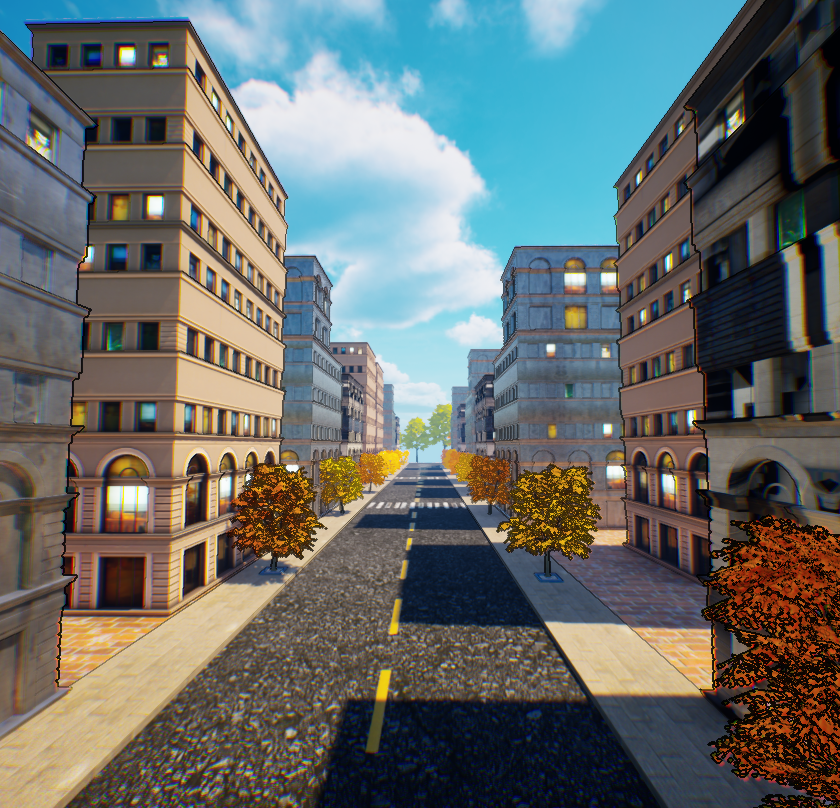
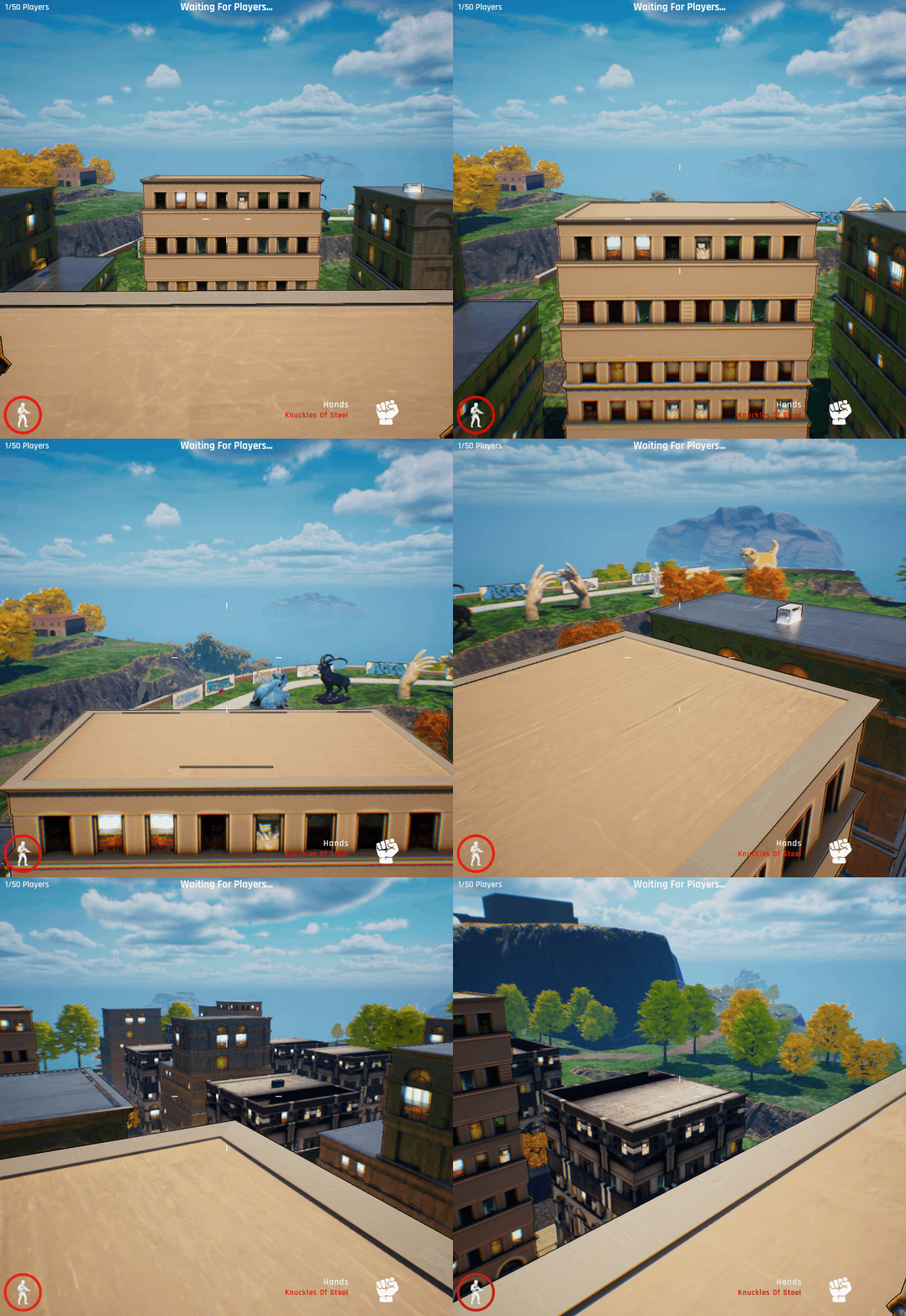
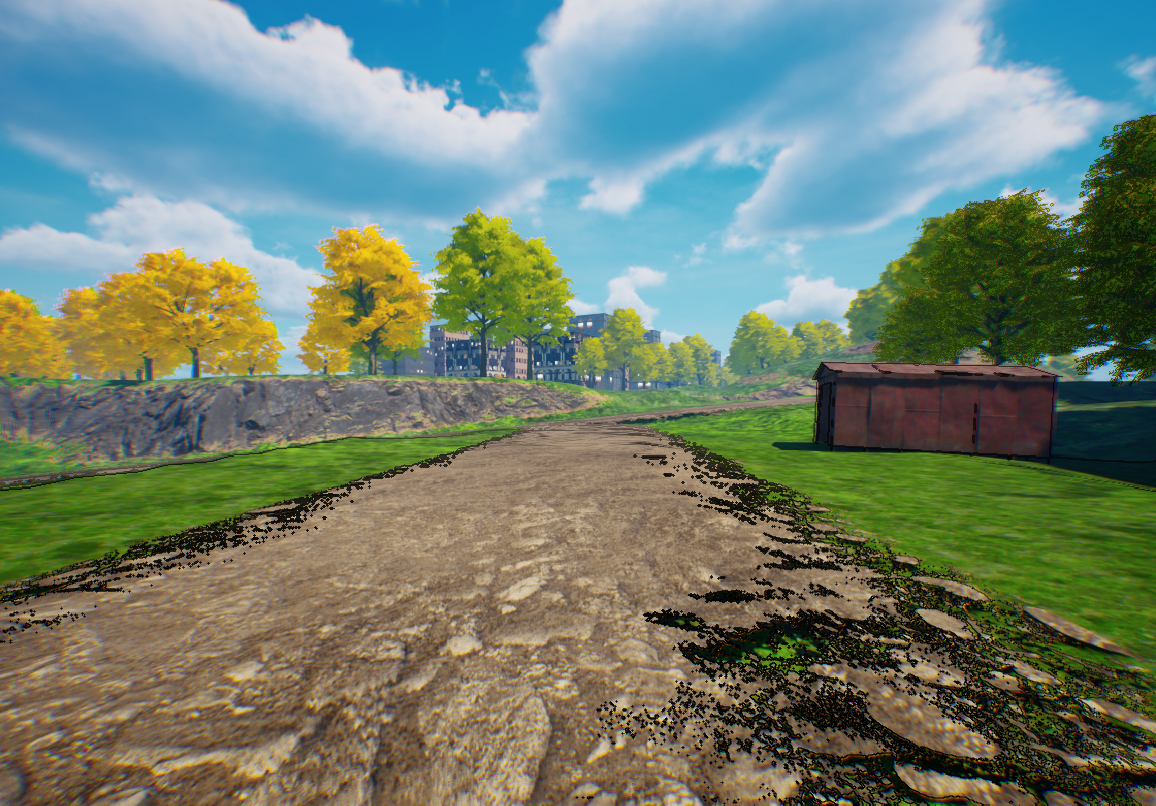
It is important to have tall structures in the horizon. When a player is walking from point "A" to point "B". Players need some kind of visual stimulant to distract themselves from the fact that they are just walking.
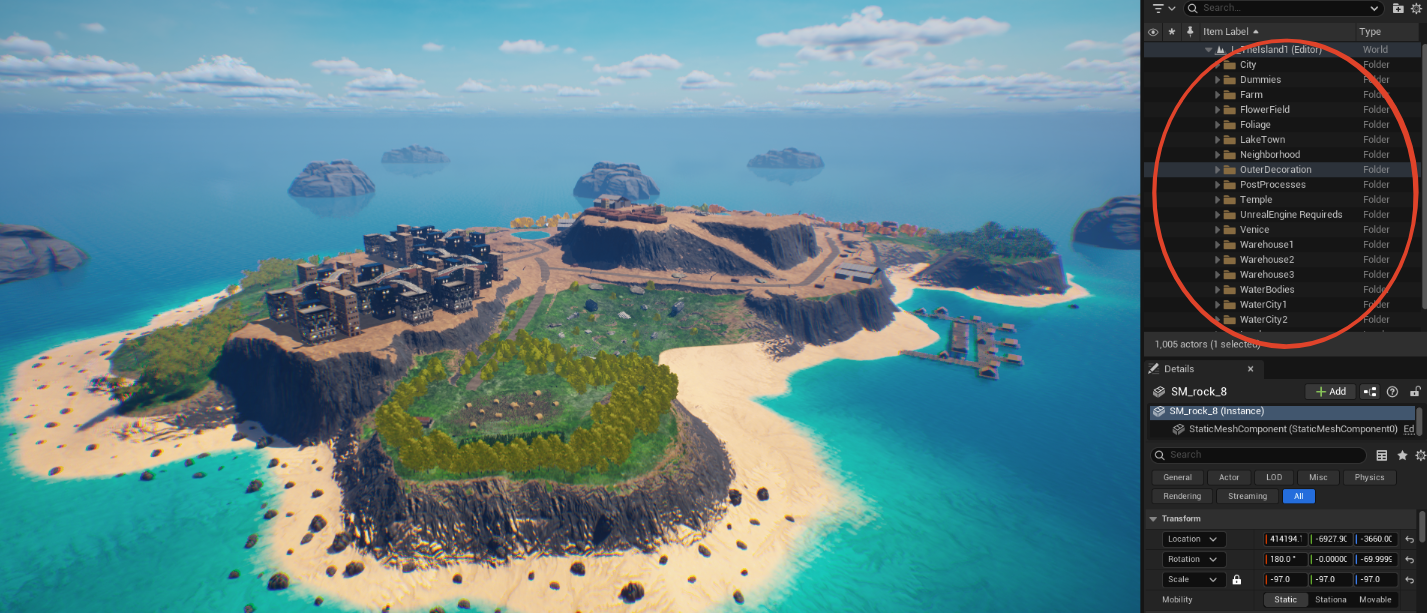
Here is an example of the hierarchy in the entire level. Every object has a folder in the scene hierarchy.
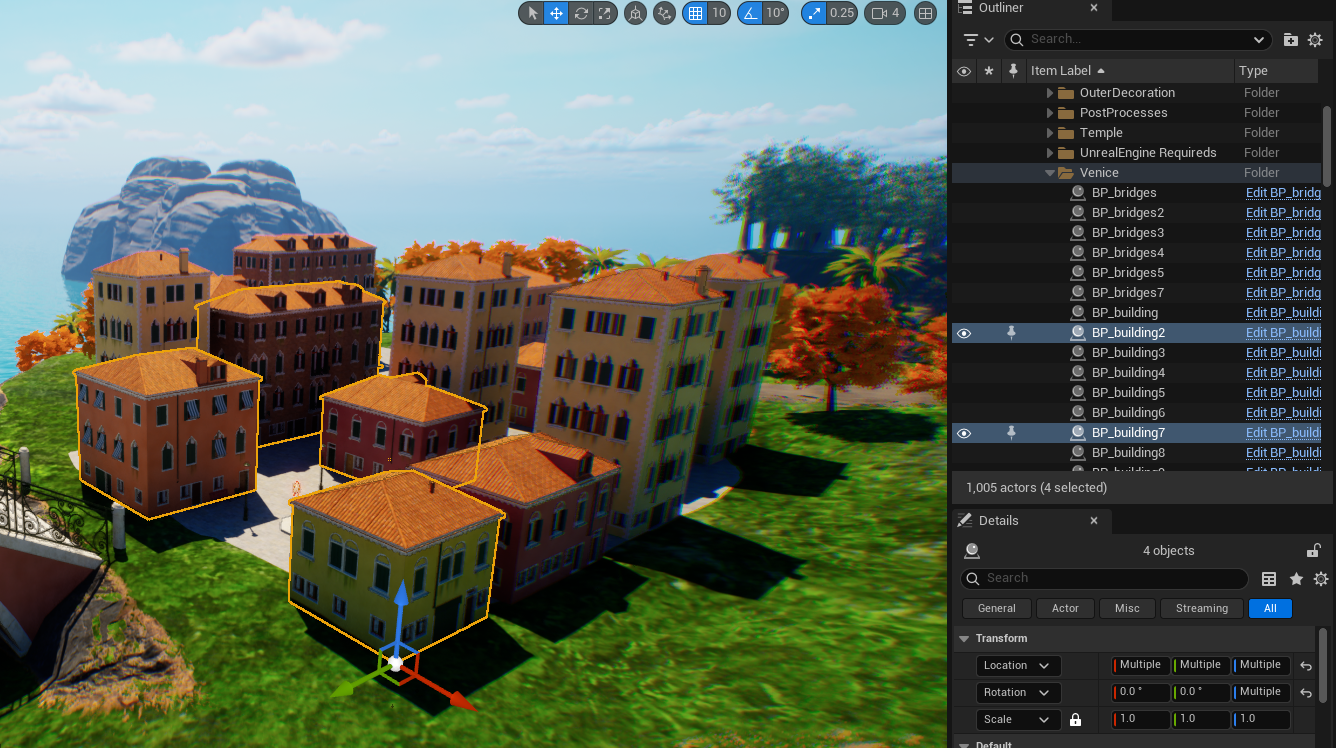
The Level Culls/Deloads objects when the player is a certain distance away and loads them in when you get close enough to them. This drastically helps with framerate problems that were really affecting the game early on in development. After implementing this, the game runs at a very steady 60fps when there are multiple people on the island.
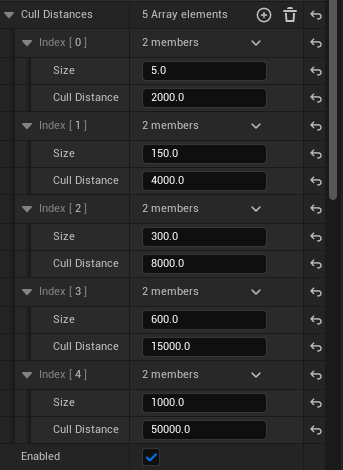
Here are the parameters for what objects cull at what distance.
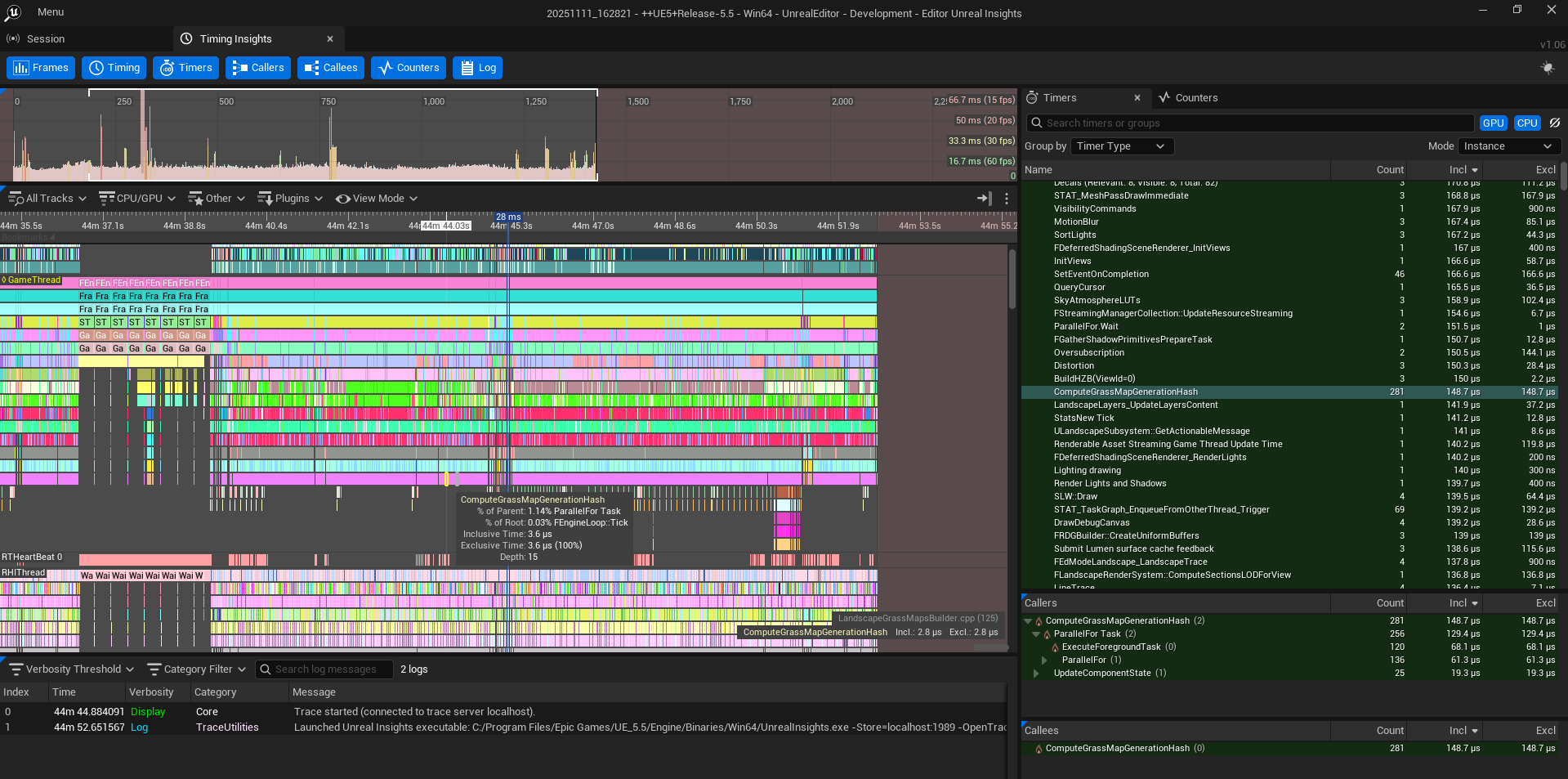
Using Unreal Insights to Visualize Optimization.
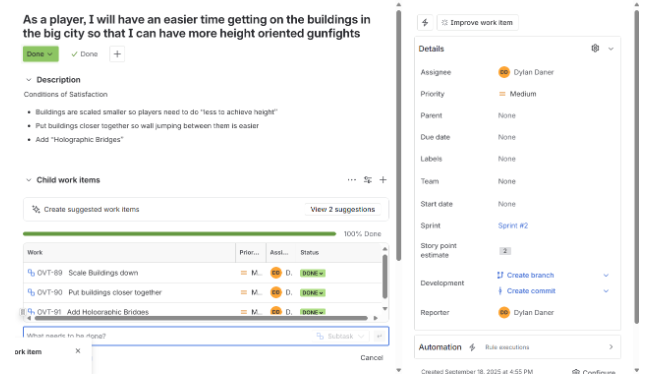
Here is an example of one problem in Jira, We have the Title, Accurate Conditions of Satisfaction, and Child Problems.

Here is a picture of our Sprint Board in the Middle of one of our sprints.